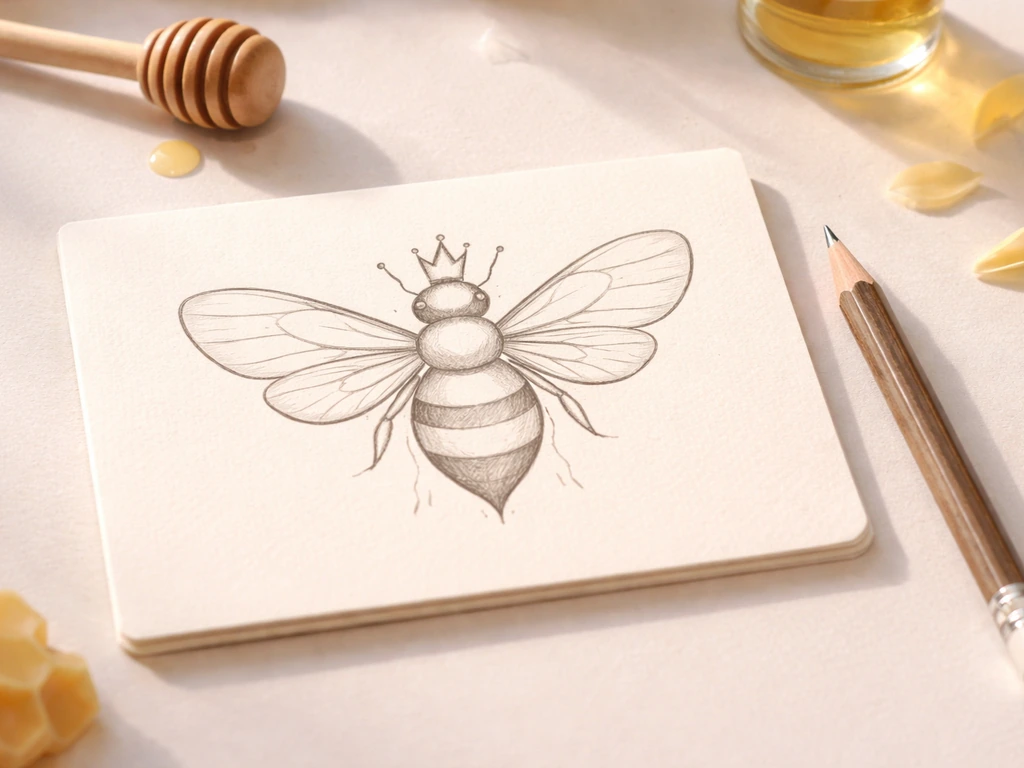
Bee swarms in Grow A Garden blank" rel="noopener noreferrer">last exactly 10 minutes. If you're comparing amber vs old amber for Grow A Garden, the timing of this 10-minute swarm window can affect how effectively you turn pollination into Honey Bee swarms in Grow A Garden. That's the active window from the moment the swarm starts until the bees leave, and it applies to both the standard Bee Swarm and the upgraded Working Bee Swarm variant. The swarm triggers on an hourly cycle, so you get roughly one 10-minute window per hour to collect Pollinated harvests and take advantage of the associated mechanics. If you're also weighing “Grow A Garden vs Bee Swarm Simulator,” the timed 10-minute swarm window is the key mechanic to compare.
How Long Do Bee Swarms Last in Grow a Garden

Julian Russo
11 Jun 2026
What 'lasts' actually means in Grow A Garden
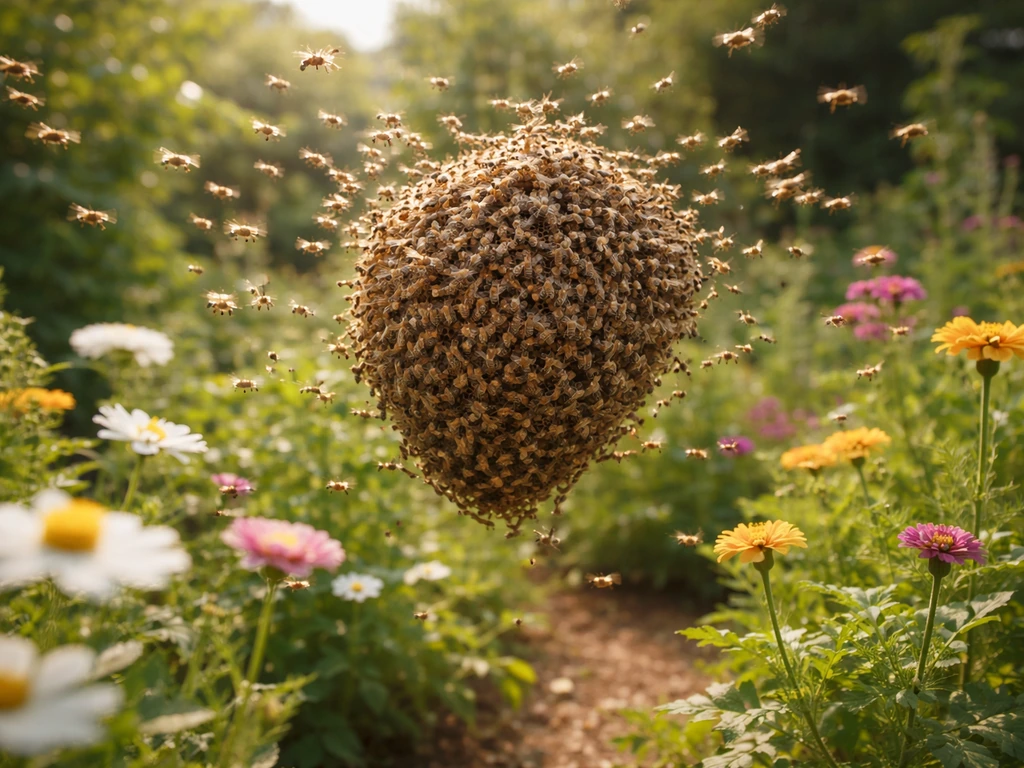
When players ask how long a bee swarm lasts, they usually mean one of two things: how long the active event window runs, or how long until the next one. The answer to the first is 10 minutes. The answer to the second is roughly 50 minutes after the current swarm ends, since the cycle resets every hour. During those 10 active minutes, the Queen Bee sends waves that pollinate your crops on a 30-second cadence, meaning you can expect around 20 pollination ticks across the full window. If you want to draw the Queen Bee too, focus on her big rounded body, striped wings, and the distinctive queen head shape. The swarm isn't a background passive buff; it's a timed event weather state that literally starts and ends like a weather phase.
It's also worth clarifying that 'bee swarm' in this context is specific to Grow A Garden's Bizzy Bees event and the ongoing Swarm Event mechanic tied to the Queen Bee NPC. This is separate from individual bee pets (like the Bear Bee or King Bee) that have their own effects. The swarm duration discussed here refers purely to the event weather window, not a pet ability timer.
How the 10-minute window breaks down
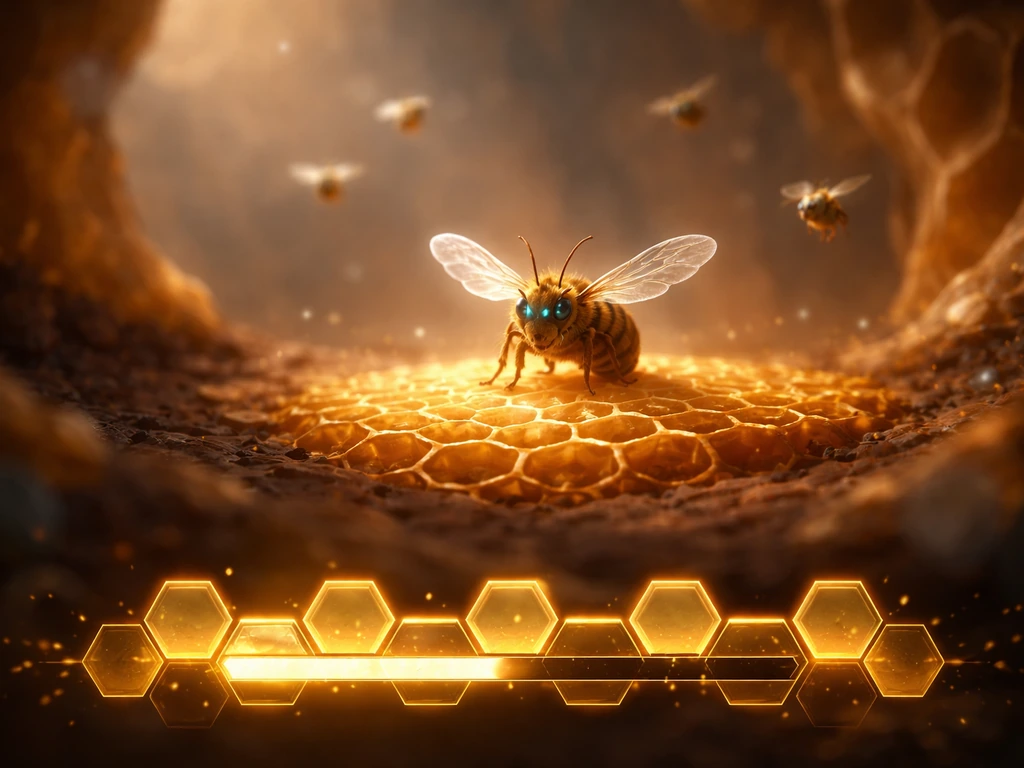
Once a swarm starts, pollination hits happen every 30 seconds. That means across the full 10-minute window you're looking at roughly 20 pollination events. Each tick applies the Pollinated mutation to a crop, which you can then harvest and convert into Honey through the Honey system. Knowing the 30-second cadence is useful because it gives you a rough internal clock: if you've seen about 10 pollination hits, you're halfway through. If you've seen 15 or more, you're in the final stretch.
The UI helps too. There's a honeycomb-style timer visible near the Queen Bee NPC that counts down to the next swarm. Once that timer hits zero, the active 10-minute window begins. You can also use that same timer during the swarm to estimate how much time remains, since the total cycle is roughly 60 minutes and the active event takes up 10 of them.
| Swarm Type | Duration | Pollination Cadence | Special Bonus | Trigger Chance |
|---|---|---|---|---|
| Bee Swarm | ~10 minutes | Every 30 seconds | Standard Pollinated mutation | 2 in 3 chance per hour |
| Working Bee Swarm | ~10 minutes | Faster, multi-crop | 10x craft speed during event | 1 in 3 chance per hour |
What can change how effective (not just how long) the swarm feels
The base 10-minute duration is fixed. No upgrade or farm state changes that number. What does change is how much value you squeeze out of those 10 minutes. GAGdata also describes the Working Bee Swarm as a 1-in-3 upgrade to the hourly Swarm Event that keeps the same 10-minute duration while improving output with stronger multi-crop pollination and a 10× craft speed boost for that duration. Here's what actually matters:
- Working Bee Swarm vs standard Bee Swarm: The Working variant applies pollination faster and to more crops simultaneously, plus it adds a 10x craft speed boost. Same duration, dramatically better output. It's a 1-in-3 chance to trigger instead of the normal swarm.
- Bee pets (like King Bee or Bear Bee): These don't extend the swarm, but they add on-top effects during the active window. For example, King Bee can apply Honey Gem mutations to already-Pollinated fruits, stacking value on top of what the swarm itself does.
- Crop readiness: If your crops aren't at the right growth stage when the swarm hits, you lose those pollination ticks. Having mature or near-mature crops ready before the hour mark means more convertible Pollinated harvests.
- Farm layout and crop density: More crops planted means more targets for the 30-second pollination waves. Sparse farms waste ticks.
- Server performance: In practice, lag or server issues can make the event feel shorter or cause ticks to be missed. This isn't a game mechanic; it's a technical limitation worth knowing about.
What to do during the swarm (don't waste the 10 minutes)
This is the part most players underutilize. The swarm window is short, so having a plan before it starts is the difference between a productive cycle and a missed opportunity. If you want to stack smarter timing beyond just the bee swarm, see cockatrice vs phoenix grow a garden for another related comparison in how garden events play out.
- Prepare your crops before the timer hits zero. Have as many mature or near-harvest crops on the field as possible. The pollination ticks land on whatever is growing, so empty plots mean wasted ticks.
- Harvest Pollinated fruits as fast as you can during the window. Don't let Pollinated crops sit, especially if you're trying to maximize Honey conversion. The Honey system processes Pollinated harvests specifically during and after Swarm Events, so timing your harvests tight to the swarm gives you the most to work with.
- If you have the Working Bee Swarm trigger, take full advantage of the 10x craft speed bonus. Queue up any crafting or processing tasks right as the event starts.
- Watch the 30-second cadence to gauge your remaining time. Count ticks mentally or watch your crop mutations appearing. Around tick 15, start thinking about final harvests.
- Don't leave the server mid-swarm. Server hopping during an active event can cause you to lose the remaining window entirely.
When the swarm ends and what comes next
Once the 10-minute window closes, the swarm weather state ends and the hourly countdown resets. You'll have roughly 50 minutes until the next swarm, though in practice the exact gap can vary slightly by server. The Queen Bee NPC's honeycomb timer will start counting down again, giving you a visible target to plan around.
After the swarm, prioritize processing any Pollinated fruits you harvested into Honey. If you're also wondering what to feed the Queen Bee to support your farm, focus on the right inputs that help you get the most from the swarm Pollinated fruits you harvested into Honey. The conversion mechanic is tied to having Pollinated stock from the swarm, so working through that backlog in the downtime is the right move. Also use the 50-minute window to replant and set up for the next cycle. If you got a Working Bee Swarm this time, there's no guarantee the next one will be the same variant since it's a 1-in-3 chance, so don't bank on the 10x craft speed bonus repeating back-to-back.
Troubleshooting when swarms don't behave
The most common complaint is the swarm not triggering when the timer hits zero. This is a known issue and it's more common than it should be. Here's how to handle the main failure cases:
- Timer hits zero but nothing happens: This is a documented bug. The swarm event has been reported to fail to start even when the UI timer suggests it should. Wait 30 to 60 seconds; sometimes there's a brief delay. If nothing happens after a minute, consider server hopping.
- Server hop to fix a broken swarm: Community consensus is that some servers get stuck and consistently fail to trigger the swarm event. Jumping to a new server resets you to that server's event cycle, and you may land mid-swarm or catch the next one without the trigger issue.
- Timer appears frozen or counts down inconsistently: This is a timer desync issue, separate from the swarm itself. It doesn't always mean the swarm won't fire; the event can still trigger even if the visible timer glitches. Keep an eye on your crops for incoming pollination mutations as a secondary indicator.
- Swarm feels shorter than 10 minutes: High server lag can cause event ticks to be dropped or delayed, making the effective window feel compressed. There's no fix for this mid-session; hop servers if lag is severe.
- You're new to the server and the swarm just ended: Because the cycle is hourly and tied to the server's clock, joining a server just after a swarm ends means a ~50-minute wait. Check the honeycomb timer near the Queen Bee NPC to see where you are in the cycle before committing to a server.
One thing worth noting: if you're also trying to figure out the differences between the Bee and Honey Bee creatures, or comparing bee-type pets like the Tarantula Hawk versus the Queen Bee, those are separate questions from swarm duration. The swarm event mechanics discussed here are specifically about the timed weather event, not about individual pet stats or creature comparisons. If you are comparing different combat event options, you can also look into tarantula hawk vs queen bee grow a garden to decide which one fits your garden setup. If you're deciding which is better to plan around, focus on bee swarms during the event window since that timing is what drives the pollination rewards. Those pet-level decisions affect what happens during the swarm, but they don't change the 10-minute window itself.
FAQ
How long do bee swarms last in Grow a Garden, from start to finish?
The active bee swarm window lasts 10 minutes, starting the moment the weather-style swarm event begins and ending when the event state clears.
If I miss the swarm start, can I still get pollination ticks during the same 10 minutes?
You can usually still benefit as long as the swarm weather state is active when you interact with crops, since pollination happens on a repeating 30 second cadence during the full 10 minute window.
How long until the next bee swarm after one ends?
After the 10-minute swarm ends, you typically wait about 50 more minutes for the next start, but the exact gap can vary slightly by server performance and timing.
Does the honeycomb countdown reset immediately when the swarm ends?
Yes, the honeycomb-style timer near the Queen Bee should restart as soon as the active swarm state ends, so you can plan using that new target time for the next window.
Why does my swarm sometimes not trigger when the timer hits zero?
This is a known issue. Try reloading the area, staying close enough to the Queen Bee to register the event, and confirming you are in the correct event mode or weather state that corresponds to Bizzy Bees.
How can I tell how far through the swarm I am?
Because pollination ticks occur every 30 seconds, about 10 ticks indicates you are near the halfway point (roughly 5 minutes elapsed), and 15 or more means you are in the final stretch.
Do upgrades or farm changes change the swarm duration itself?
No, the 10-minute duration is fixed. What changes with upgrades is how efficiently you process the resulting Pollinated crops into Honey, not the length of the event window.
Do bee swarm rewards depend on me planting during the swarm?
Planting during the active window can help you catch pollination ticks, but only crops that can receive the Pollinated mutation will benefit. If your crops are not in a valid state to be pollinated, you may waste tick timing.
Is Working Bee Swarm guaranteed to be the same type next time?
No. Working Bee Swarm is a 1-in-3 variant chance, so you should treat each cycle as independent and not assume the next swarm will repeat the same 10x craft speed bonus.
After the swarm ends, should I immediately harvest Pollinated fruits or wait?
Prioritize processing right away if you have a backlog, since the conversion to Honey depends on having Pollinated stock. Using the downtime for replanting is also efficient, but avoid letting harvested stock sit too long if your goals are time-based.
Does bee swarm duration apply to bee pets like Bear Bee or King Bee?
No. The 10-minute duration described here is tied to the Bizzy Bees swarm weather event associated with the Queen Bee NPC. Bee pet abilities have their own separate timers and effects.
Next Article
How to Draw Queen Bee in Grow a Garden Step by Step
Step-by-step guide to draw and breed Queen Bee in Grow a Garden, including inputs, setup, fixes, and efficiency tips.